week4 机器人运动学基础(二维)
小乌龟走正方形原理
#!/usr/bin/env python3 “”” 让小乌龟走正方形的控制脚本 “””
import rclpy from rclpy.node import Node from geometry_msgs.msg import Twist import time
class SquareMover(Node): “"”走正方形的控制节点”””
def __init__(self):
    super().__init__('square_mover')

    # 创建发布者
    self.cmd_vel_pub = self.create_publisher(
        Twist,
        '/turtle1/cmd_vel',
        10
    )

    # ============ 参数设置 ============
    self.SPEED = 1.0              # 线速度 m/s
    self.TURN_SPEED = 1.0          # 角速度 rad/s
    self.SIDE_LENGTH = 2.0         # 边长 m

    # 计算运动时间
    self.MOVE_TIME = self.SIDE_LENGTH / self.SPEED
    self.TURN_TIME = 1.5708 / self.TURN_SPEED  # 90° = π/2

    self.get_logger().info('🎯 正方形控制节点启动!')
    self.get_logger().info(f'📐 边长: {self.SIDE_LENGTH}m, 速度: {self.SPEED}m/s')

def move_straight(self, duration):
    """直行指定时间"""
    self.get_logger().info('→ 直行...')

    msg = Twist()
    msg.linear.x = float(self.SPEED)
    msg.angular.z = 0.0

    # 记录开始时间
    start_time = self.get_clock().now()

    # 持续发布命令
    while (self.get_clock().now() - start_time).nanoseconds < duration * 1e9:
        self.cmd_vel_pub.publish(msg)
        time.sleep(0.01)

    # 停止
    self.stop()
    self.get_logger().info('✓ 直行完成')

def turn(self, duration):
    """旋转指定时间"""
    self.get_logger().info('↻ 旋转...')

    msg = Twist()
    msg.linear.x = 0.0
    msg.angular.z = float(self.TURN_SPEED)

    start_time = self.get_clock().now()

    while (self.get_clock().now() - start_time).nanoseconds < duration * 1e9:
        self.cmd_vel_pub.publish(msg)
        time.sleep(0.01)

    self.stop()
    self.get_logger().info('✓ 旋转完成')

def stop(self):
    """停止运动"""
    msg = Twist()
    msg.linear.x = 0.0
    msg.angular.z = 0.0
    self.cmd_vel_pub.publish(msg)
    time.sleep(0.1)

def move_square(self):
    """执行走正方形"""
    self.get_logger().info('🏁 开始走正方形!')

    for i in range(4):
        self.get_logger().info(f'━━━ 第 {i+1}/4 条边 ━━━')
        self.move_straight(self.MOVE_TIME)

        self.get_logger().info(f'━━━ 第 {i+1}/4 次转弯 ━━━')
        self.turn(self.TURN_TIME)

    self.get_logger().info('🎉 正方形走完!回到起点!')
def main(args=None): rclpy.init(args=args) node = SquareMover()
# 给系统一点准备时间
time.sleep(1)
# 执行走正方形
node.move_square()
node.destroy_node()
rclpy.shutdown() if __name__ == '__main__':
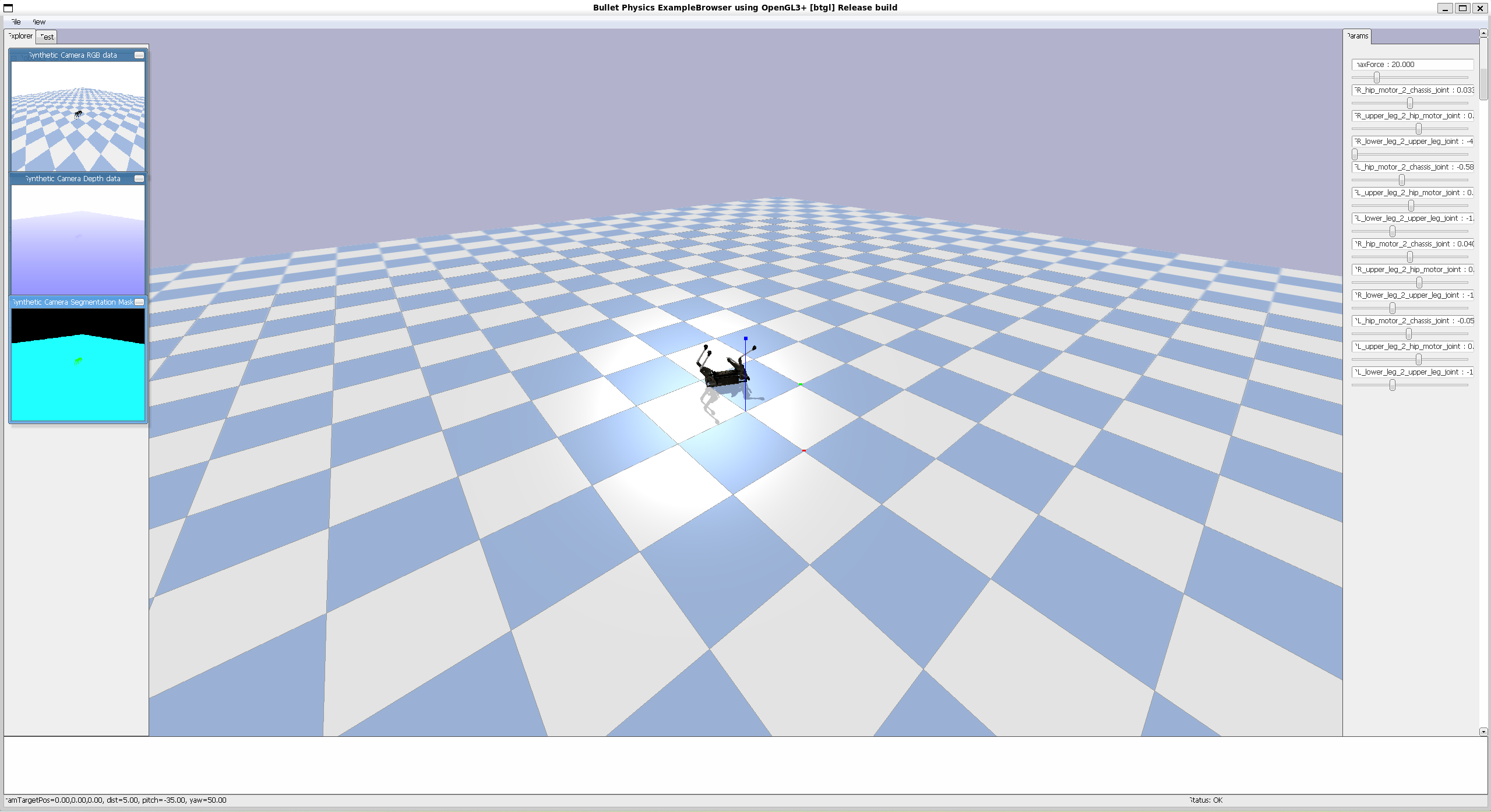
main() 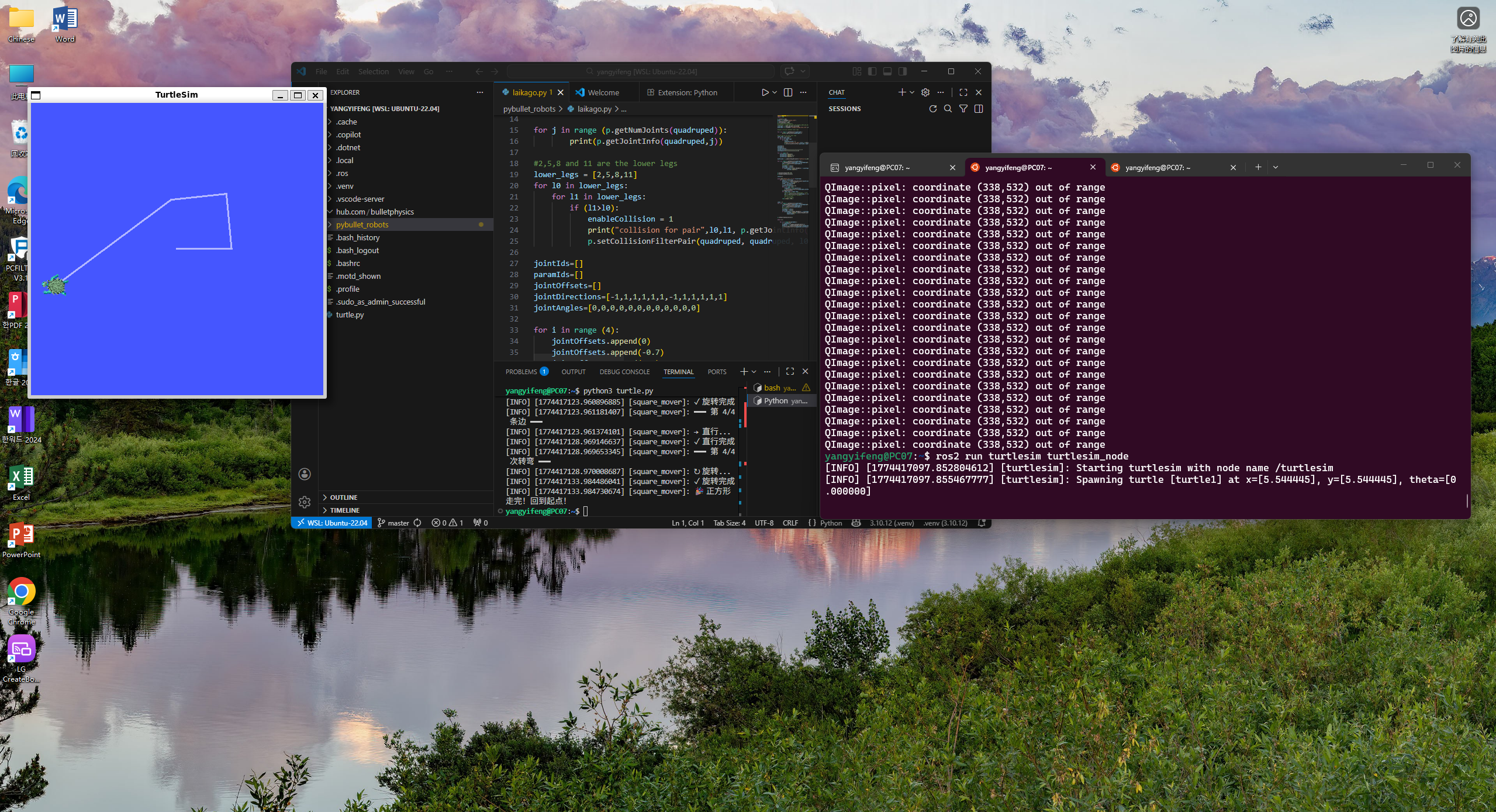 <br> # 机器狗放倒 <br> - python安装和python程序的命令行执行 <br> sudo apt install python <br> cd 程序所在目录 <br> python3 程序名字.py (有时候需要用python) <br> python 的包管理器 pip (有时候需要使用pip3) 安装 <br> sudo apt install python3-pip <br> pip3 install pybullet 安装仿真用的物理引擎库 <br> - 运行机器狗仿真程序 <br> #git clone https://github.com/bulletphysics/pybullet_robots <br> #python3 lakago.py <br> - 运行程序,改关节参数,放(倒)狗(子)